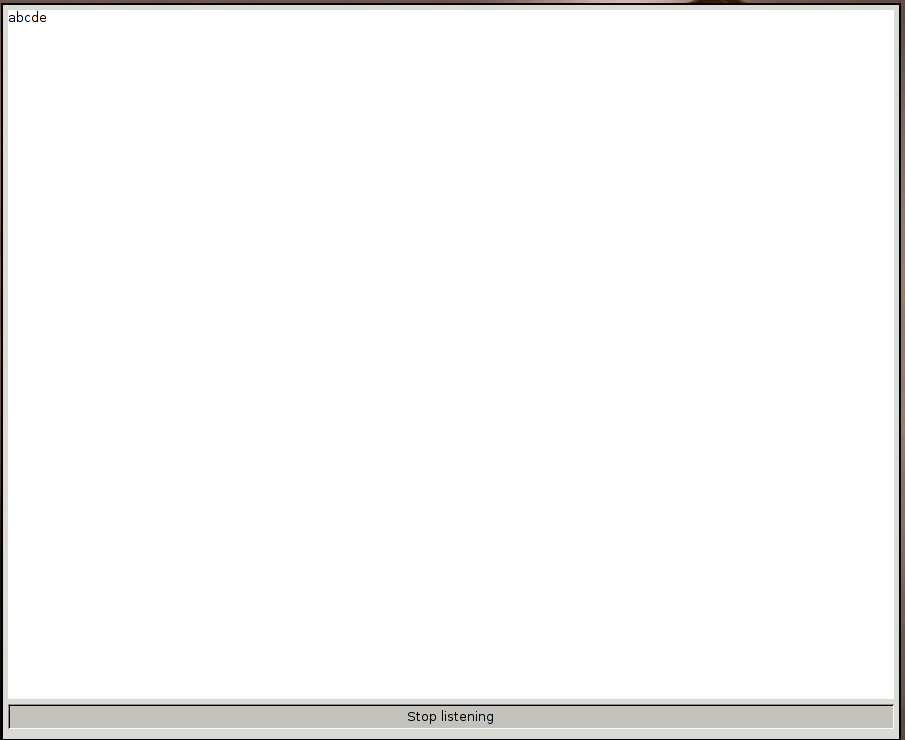
Here is my little tutorial on how to install SphinxKeys on Arch Linux. I am using 64bit Arch Linux 3.9.9.1.
First, dowload SphinxKeys package.
It needs a ton of dependencies, which we need to download and install. I assume you have basic tools like gcc or pkg-build installed. First thing we do is that we update our repositories database.
# pacman -Syu
Then we need to download bunch of different tools.
# pacman -S bison lapack automake libtool autoconf
gstreamer0.10-python gstreamer0.10-good-plugins gstreamer0.10-ugly-plugins
After everything is done, download SphinxBase which is needed by pocketsphinx. In the directory you downloaded the tarball and PKGBUILD file do
$ makepkg
after the package is generated install it as root with pacman (if there are any errors just install the missing packages)
# pacman -U sphinxbase…. ….pkg.tar.xz
Then download PocketSphinx and repeat the above steps. Next thing we need to install is xmacro, which is needed for sending key signals. Now we should be all set up so let’s just untar the SphinxKeys package.
# tar -C /etc -xvf sphinxkeys_1.01.tar.gz
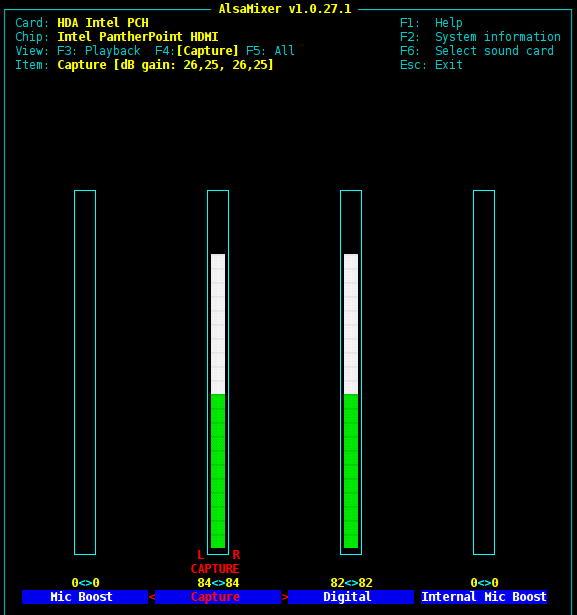
Just one last thing before launching the program – check your audio capture device volume levels to make sure the program “hears” you.
$ alsamixer
Finally, launch the SphinxKeys!
# python2.7 /etc/sphinxkeys/sphinxkeys.py
A window should pop up, press Start listening and now you can control your pc with your voice. List of available commands is in /etc/sphinxkeys/macros. I use the software mainly beacause I am too lazy to press Page Down while reading a pdf book, so I just say “Page Down” :)