If you ever wanted to make Space Invaders in Python, but were too lazy to do it, here’s a short tutorial with GIFS!
»basic settings
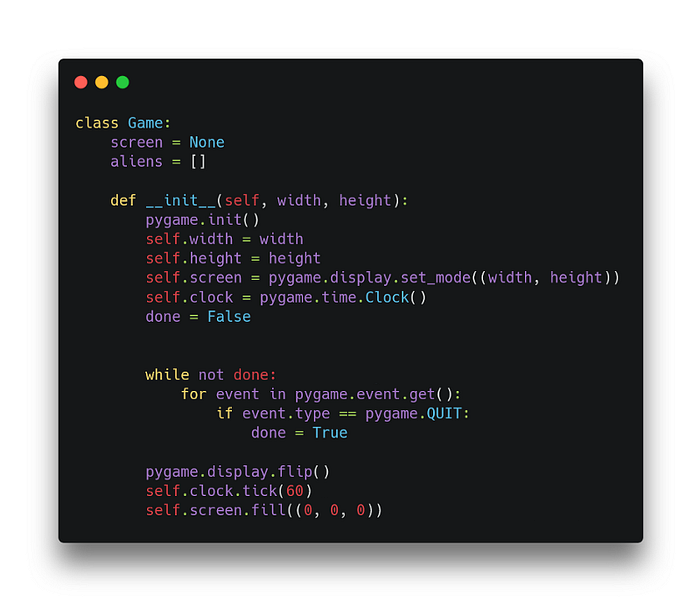
First I create the Game class that will control the game. Then I initialize pygame instance and the alien list. I set the refresh rate to 60 and run the game loop.
»enemies
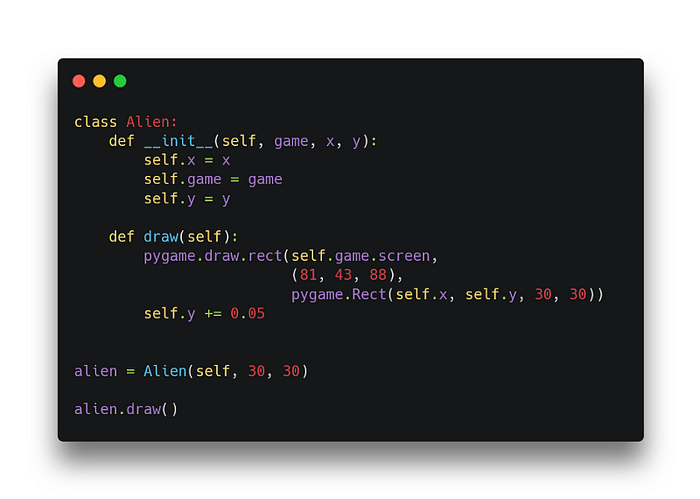
I create a new Alien class, that holds coordinates, color, and size and will draw the object to the screen. I set the “falling down” effect with the decreasing y value by 5% of a pixel per frame.
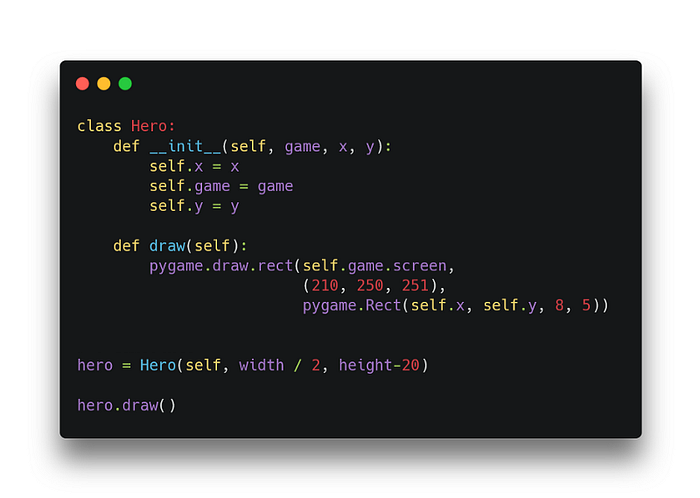
(the un-indented blocks of code are not going to work as you see them— alien = … and alien.draw need a “game” instance reference instead of self. Same goes for Hero and Generator below. For complete code see the end for a github link)
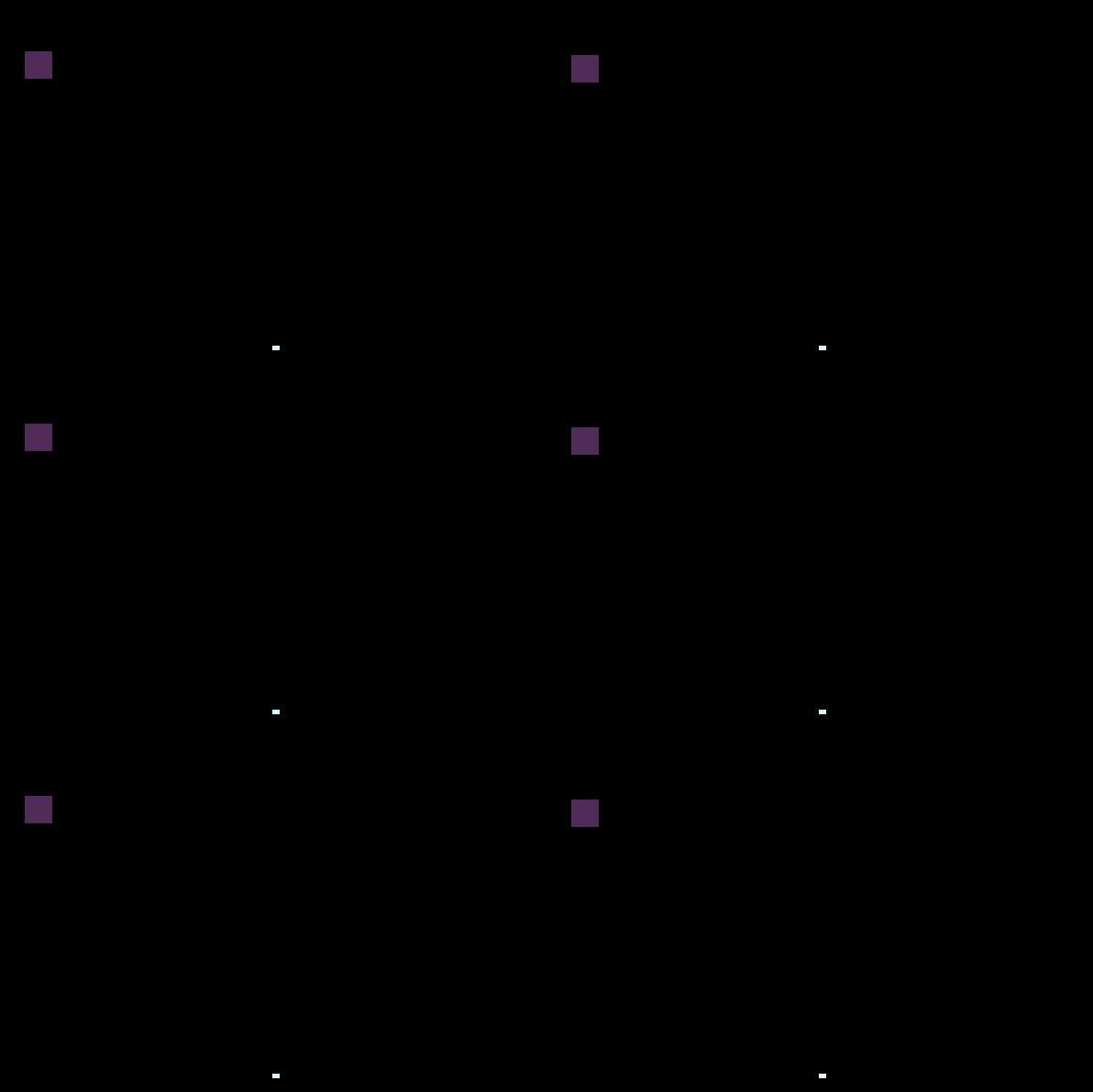
 So far I have only one Alien.

»main hero
The hero, controlled by the player, is very similar to Alien. He’s different in size, position and he’s placed in the screen center.
»juice it!
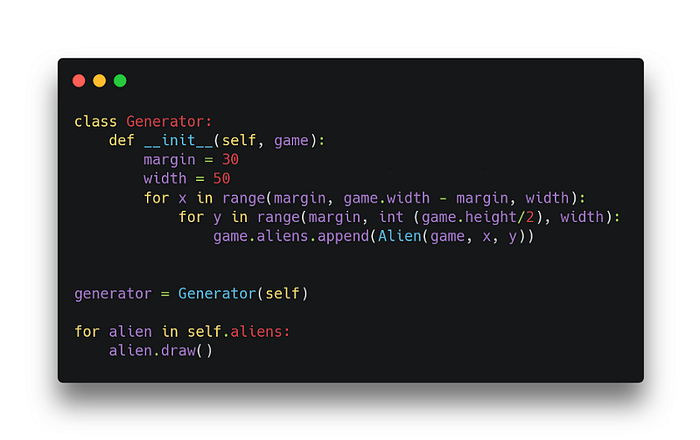
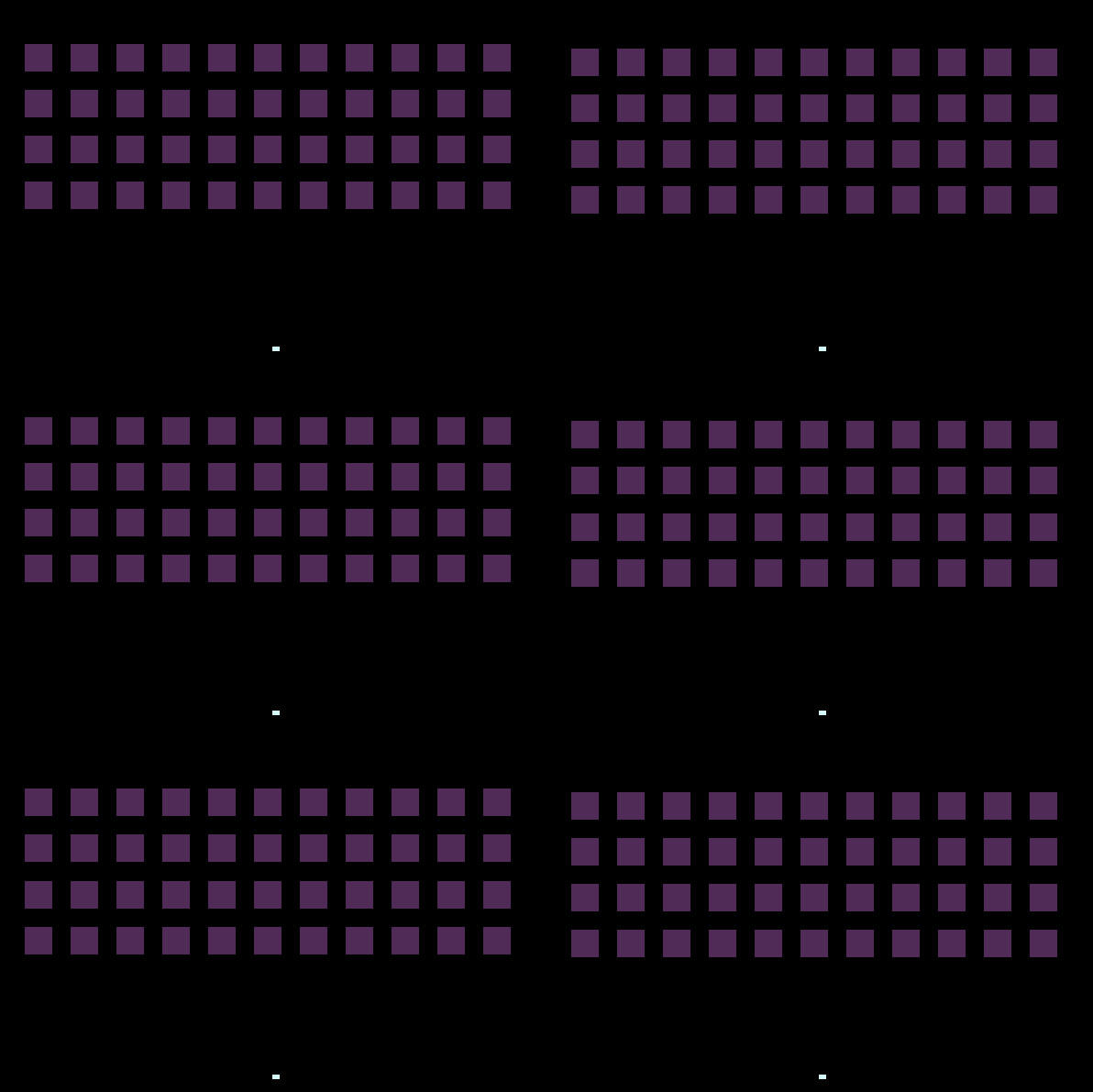
I will create more enemies by using an “alien generator”. In a simple for loop it fills the upper half of the screen with aliens.
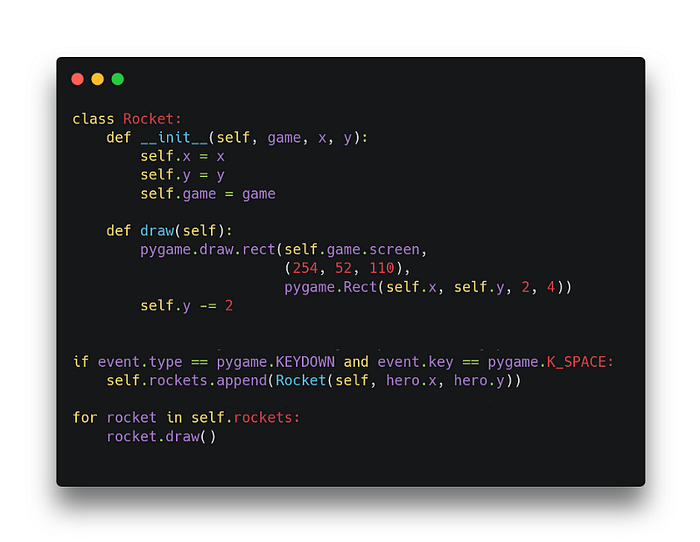
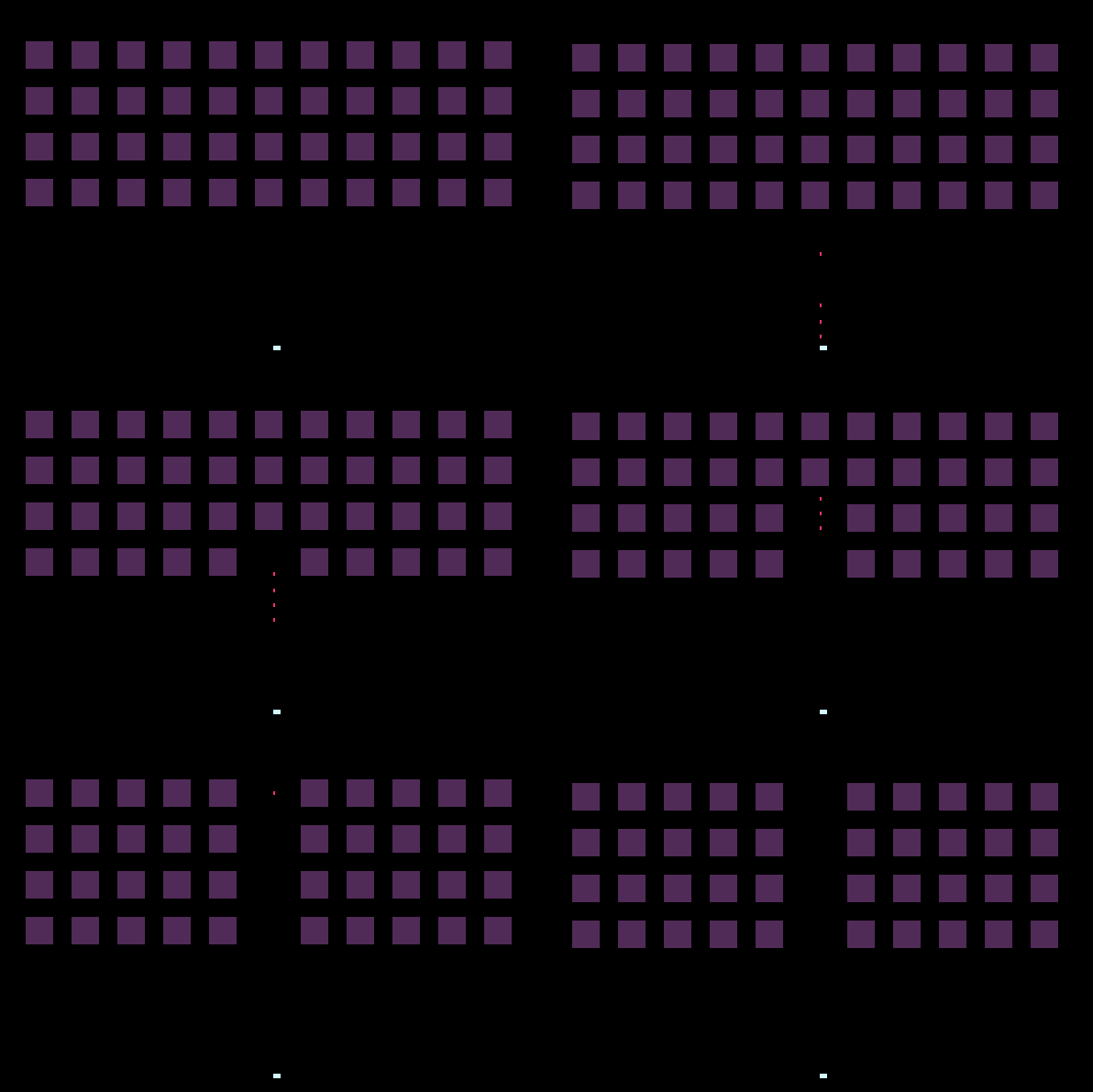
 Now I add some rockets to the hero. The Rocket class is almost the same as Alien and Hero, only its vertical speed is 2 pixels per frame. When the player presses Space, a rocket is created in his position.
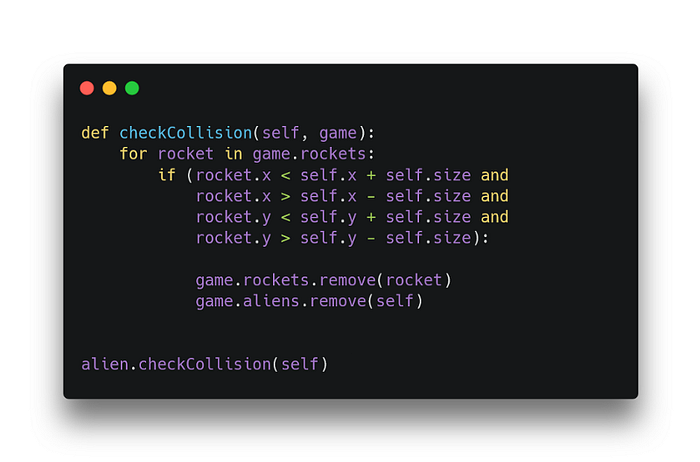
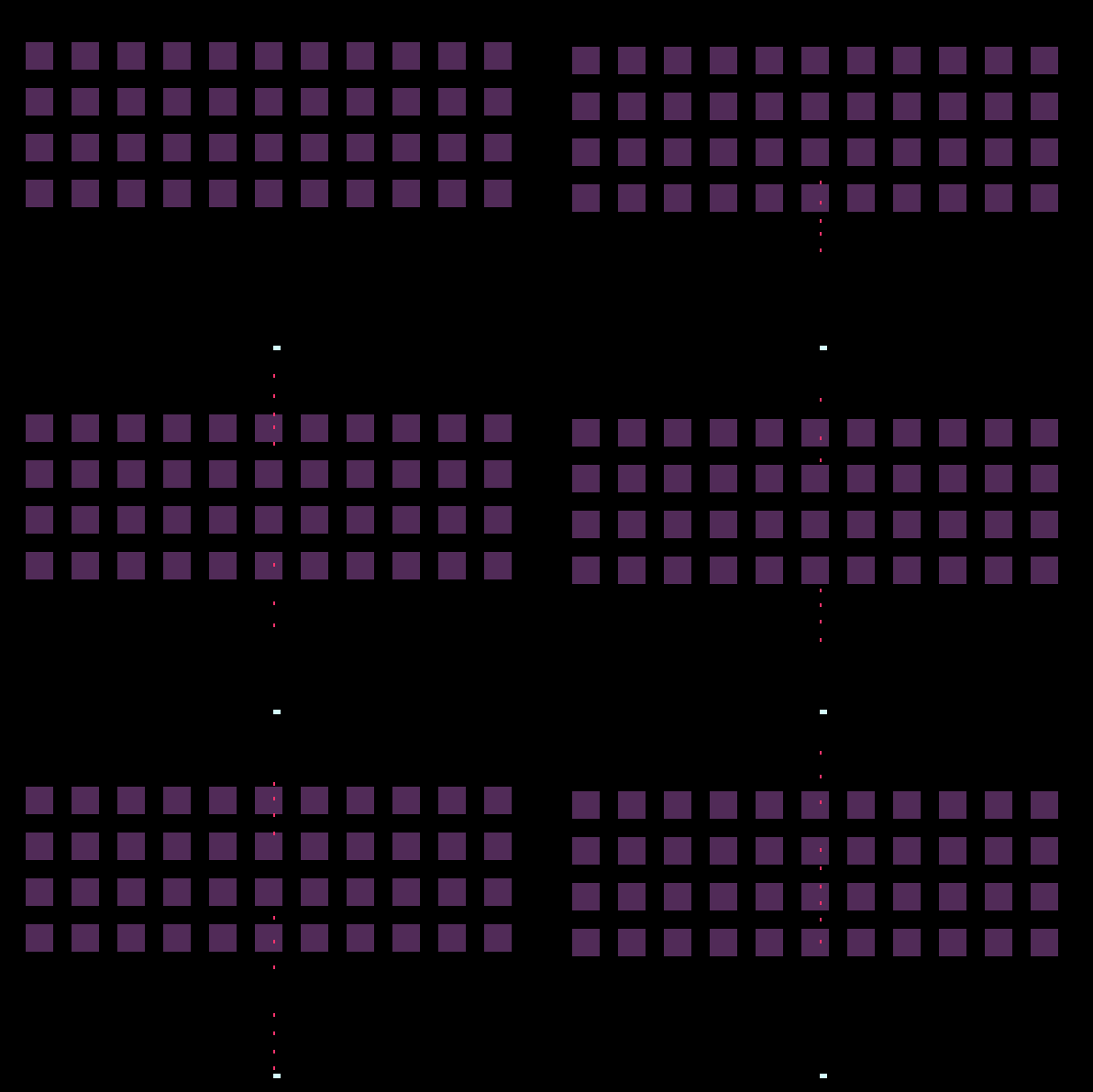 Now I check the collision of the rocket and the alien. Every alien iterates through all the available rockets and checks if any of them collided with his body. He destroys himself when it does.
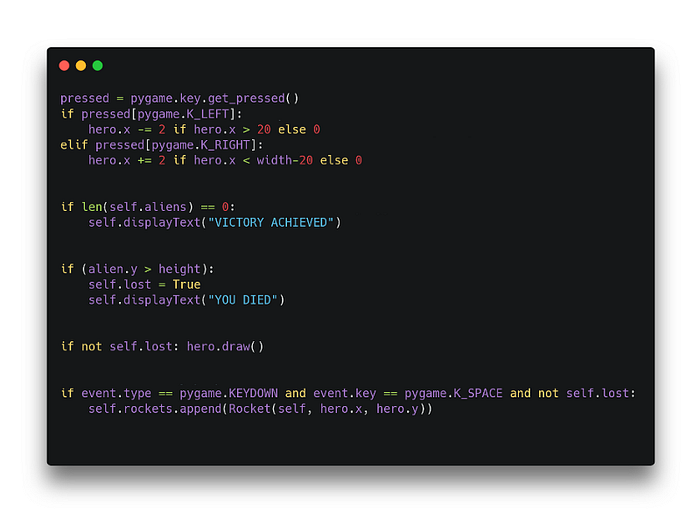
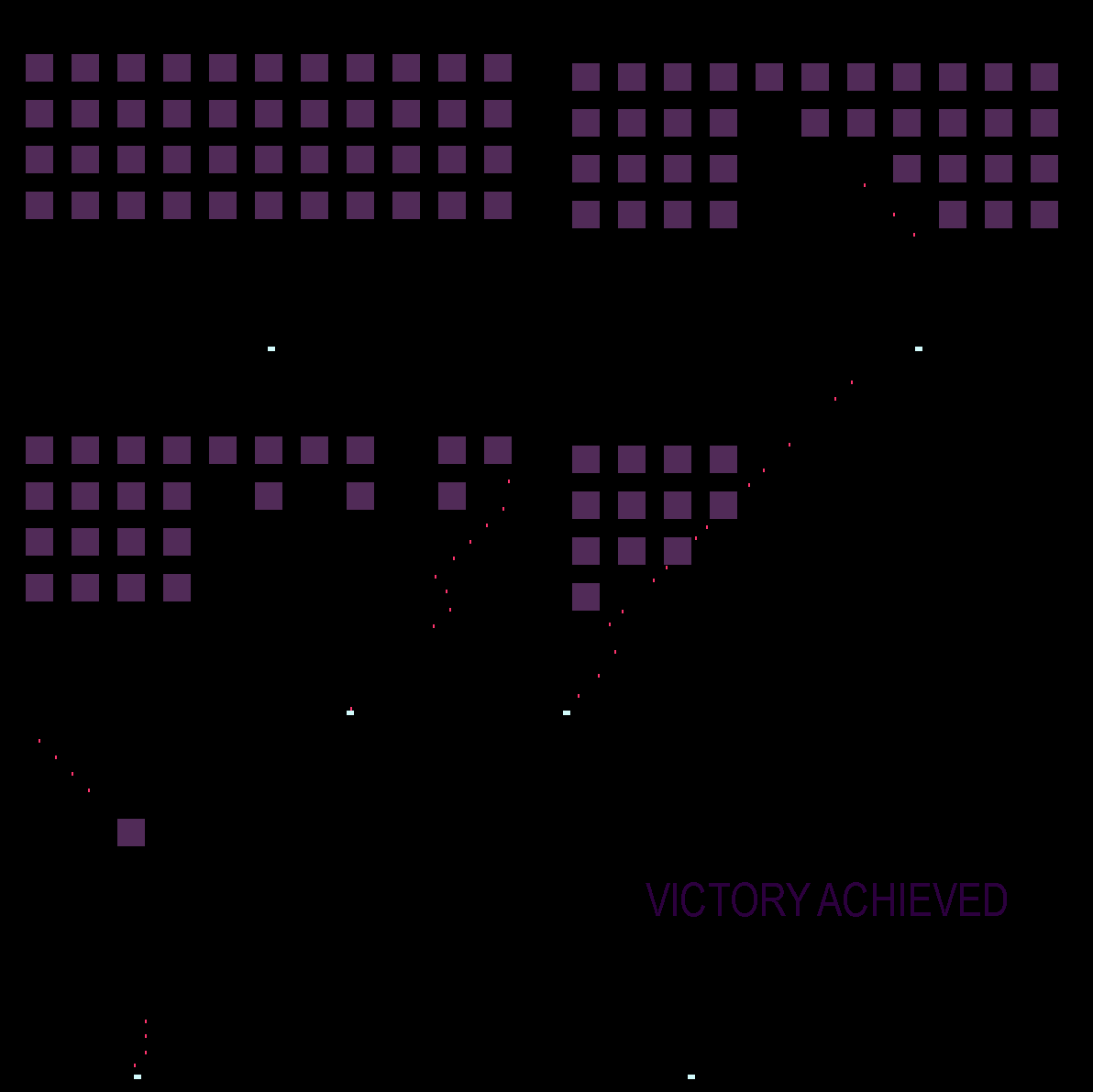
 Last thing I add is the movement. Player can move right and left. I also set the win and lose conditions — if player destroys everyone, he wins. If any alien touches the ground, game ends.
 Github code available here.
If you’ve found my article interesting, you may be also interested in my game development course for beginners:
https://www.udemy.com/course/make-a-3d-game-in-unity-2020-from-scratch-with-free-assets/?referralCode=8B96F6C67527AEEA39D9
Github code available here.
If you’ve found my article interesting, you may be also interested in my game development course for beginners:
https://www.udemy.com/course/make-a-3d-game-in-unity-2020-from-scratch-with-free-assets/?referralCode=8B96F6C67527AEEA39D9