Yarn Editor and Yarn Spinner is a framework for creating conversations easily, created by the authors of Night In The Woods. You create them as a tree of nodes, save it as json and the framework takes care of the rest.
 Night In The Woods
Complicated stories don’t have to be complicated to build. We’ve already seen how Twine has made it easier than ever to…
www.secretlab.com.au
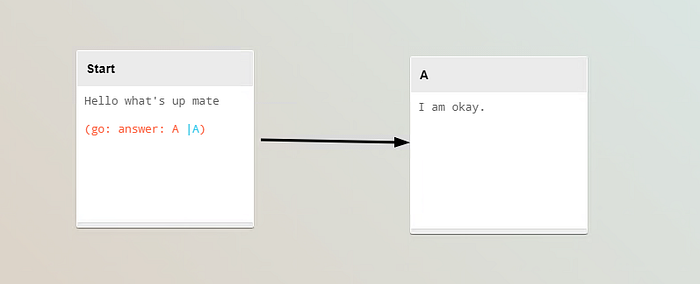
Install the Yarn Editor tool. It will enable you to write conversations for your game easily. Like this:
Create your free GitHub account today to subscribe to this repository for new releases and build software alongside 50…
github.com Go to YarnSpinner github and download latest release (.unitypackage). Import the package into your Unity project.
Yarn Spinner v1.1 adds powerful new features for creating content, and improves the development experience for…
github.com
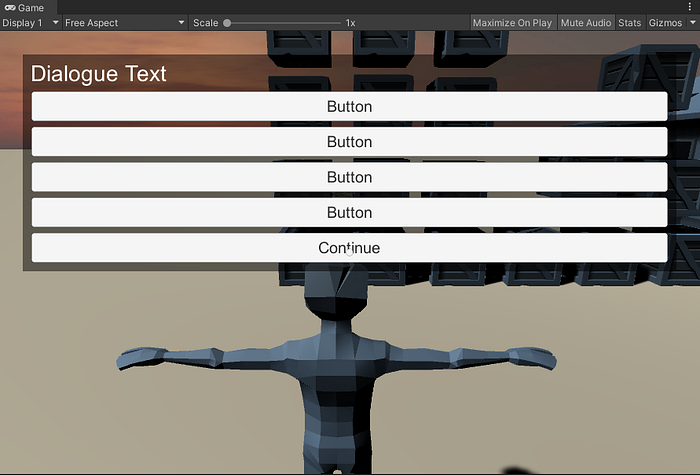
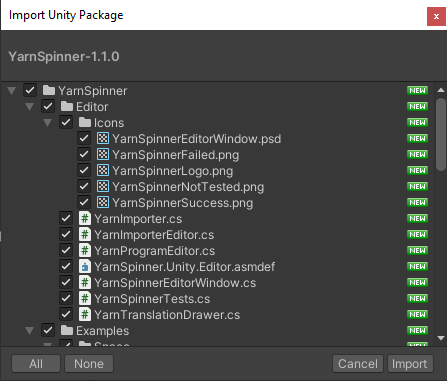 Since v1.0 Yarn Spinner has a prefab, that sets up all the things you would have to normally set up yourself. So, just drag it in.
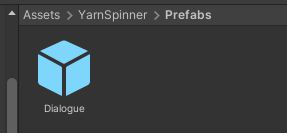 It provides the canvas and dialogue runner, ui and the event system.
 Now just assign your custom yarn conversation file, or just use their example files — Sally or Ship.
I created a basic conversation in Yarn Editor, saved it as yarn and imported it into Unity.
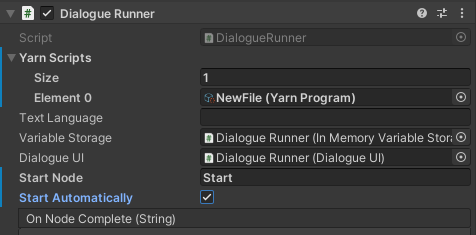
Then hooked it up to Dialogue Runner, set the Start Node to Start and check Start Automatically, as I don’t have any NPCs yet to interact with.
Now just assign your custom yarn conversation file, or just use their example files — Sally or Ship.
I created a basic conversation in Yarn Editor, saved it as yarn and imported it into Unity.
Then hooked it up to Dialogue Runner, set the Start Node to Start and check Start Automatically, as I don’t have any NPCs yet to interact with.
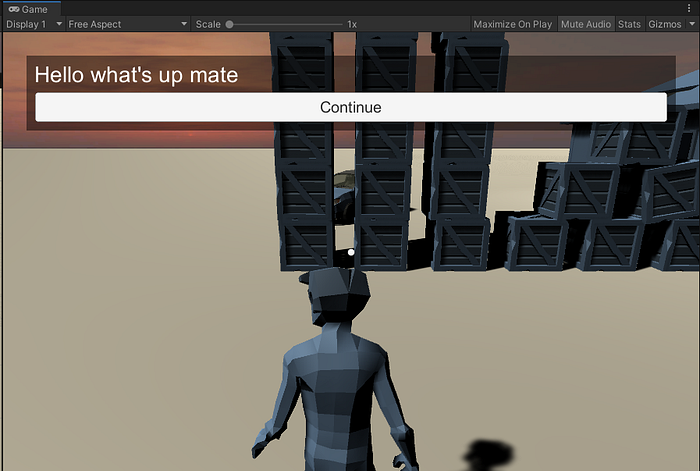
 Press Play and the conversation starts!
 Another step would be to add the Dialogue Runner to an NPC.
Next part of the tutorial:
Another step would be to add the Dialogue Runner to an NPC.
Next part of the tutorial: